

Why Is My Solar Not Producing?
Short answer: start with the monitoring app and the inverter’s status light. A whole-system zero on a sunny day usually means the inverter has stopped, a breaker or disconnect is off, or the monitoring link dropped — in that last case the panels may be fine and only the reports stopped. Low but not zero is usually shade, dirt or the season: a typical December in Northridge produces about 57% of an August. After a power outage, a grid-tied system without a battery stays off by design until the grid returns.
Get a free estimate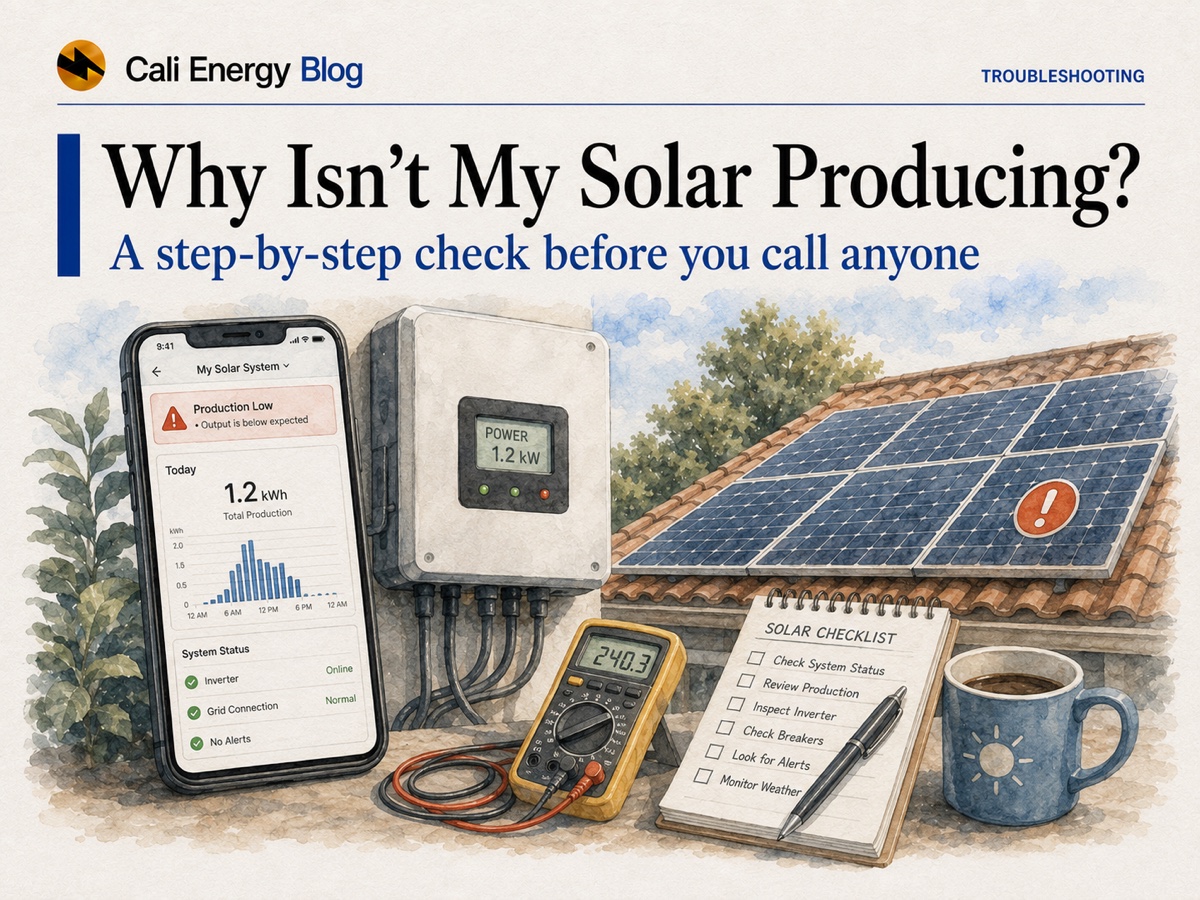
- Check the monitoring app and the inverter light first — per panel with microinverters or optimizers, whole system with a string inverter.
- A whole-system zero on a sunny day points to the inverter, a breaker or disconnect, or a lost monitoring link.
- Low but not zero is usually shade, soiling or the season. Compare with the same month last year, not with summer.
- After an outage, a grid-tied system without a battery must stay off until the grid returns.
- Read the app, reboot the router, reset a tripped solar breaker once, rinse from the ground — leave the inverter, DC wiring and the roof to a licensed contractor.
First stop: what the monitoring app is telling you
How much the app shows depends on the hardware. Microinverters and DC optimizers report each panel, so the app can point to one module while the rest keep producing; a string inverter reports one number for the whole array, so a single weak or shaded panel is harder to spot. Compare today with a similar clear day, or the same month a year ago — never with the summer peak.
Troubleshooting at a glance
| Symptom | Likely cause | Safe check | Call a pro when |
|---|---|---|---|
| Whole system at 0 W on a clear day | Inverter faulted or off; a tripped solar breaker or a disconnect switched off; or a monitoring dropout | Look for a red or amber light or a blank inverter screen; confirm the solar breaker and disconnects are on | A fault light or error code, a breaker that trips again, any burning smell or heat |
| App shows “no data” or the gateway is offline, but it is sunny | Lost internet link — production may be continuing | Reboot the router and the gateway; check the inverter light or the utility meter | Data does not return, or drops out repeatedly |
| One panel or string low or at zero, the rest normal | A failed microinverter or optimizer, or shade or debris on that module | Open the panel view; look for a new shadow or debris | A clean, unshaded panel stays at zero |
| A few percent down, drifting lower after a dry spell | Soiling: dust, pollen, droppings | Look for a film; rain usually restores it | Neither rain nor a gentle rinse brings it back |
| A new, repeatable dip at one time of day | New shade — a tree, a new building, a new vent or antenna | Note the hour and what casts a shadow then | To discuss trimming or panel-level electronics |
| Lower output in winter or a cloudy week | Normal seasonal and weather variation | Compare with the same month last year | Far below a normal year and not recovering |
| Whole system dark after an outage or PSPS | Anti-islanding shutdown, required without a battery | Wait for steady grid power; it restarts on its own | It stays off after power is clearly back |
| A slow decline over years | Aging: about 0.5% a year for modules, about 0.75% for whole systems | Compare annual totals, not days | A sudden step-down, which is not aging |
Sources: IEEE 1547 · UC San Diego · PV Fleet (NREL), 2025 · Jordan & Kurtz (NREL). Safe checks are limited to what you can do from the ground without opening equipment.
Grid-tied solar goes dark in an outage — on purpose
Every grid-tied inverter must include anti-islanding protection and stop energizing your wiring within about two seconds of losing the grid, so it cannot feed lines that crews may be working on (IEEE 1547, UL 1741). A system without a battery stays off until the grid is back, even at noon; only a battery with backup wiring, or a purpose-built sunlight-backup setup, keeps power on. More in solar, batteries and outages in California.
Whole system at zero: inverter, breaker or monitoring
The inverter. Look for a red or amber light, a blank screen or an error code in the app. A string inverter is a single point of failure: if it stops, the whole array stops; with microinverters a failure takes out one panel. The CPUC’s consumer guide notes the inverter may need replacing sooner than other equipment (CPUC).
A breaker or disconnect. A tripped solar breaker or a disconnect left off zeroes the system. If you are comfortable doing so, switch a tripped solar breaker back on once; if it trips again, stop and call a licensed contractor — a repeat trip is a fault signal.
The monitoring link. If the app says “no data” or “offline” while the sun is out, the gateway may simply have lost the internet — after a new router or a changed Wi-Fi password, for example. Confirm with the inverter light or the utility meter, then reboot the router and gateway. Keep the link working: SolarEdge says it cannot honor its warranty if the equipment stays disconnected from its monitoring platform, beyond temporary outages, and Enphase asks for a continuous connection (SolarEdge; Enphase).
One panel or one string is down
With microinverters or optimizers the app names the panel, and the rest keep producing. With a string inverter, one shaded or weak module drags down its string, and finding it takes testing. A clean, unshaded panel at zero on a clear day points to a hardware fault, which is a warranty question: Enphase, for example, requires claims within its warranty period and within 90 days of discovering the defect (Enphase), so report it promptly through your installer. The two designs are compared in Enphase vs SolarEdge, and the warranty layers in solar warranties explained.
Low but not zero: the usual causes
Season
For a Northridge system, a typical December produces about 57% of an August (PVWatts). Compare with the same month last year. More in solar panels in winter.
Soiling
The national laboratory’s PV Fleet program puts typical soiling losses at 2–3% a year, up to 15% at dirtier sites; a UC San Diego study found 7.4% after 145 days without rain. Rain usually resets it.
New shade
A tree that grew in, a new building next door or new roof equipment. Note when the dip starts.
Weather
A cloudy or marine-layer week reads low and recovers; look at the weekly and monthly trend.
Heat
Hot afternoons trim output even in full sun. See heat and solar output in LA.
Age
About 0.5% a year for modules and 0.75% for whole systems — slow, never a sudden drop. See degradation in California.
Sources: PVWatts (Northridge) · PV Fleet final report, 2025 · UC San Diego · Jordan & Kurtz (NREL).
Real fault or normal variation?
Usually normal: a gradual, seasonal or weather-linked dip; output that recovers after rain or when the sun returns; numbers close to the same month last year. Worth a call: a zero on a sunny day, a fault light or error code, a breaker that keeps tripping, one clean panel dead on a clear day, or output far below a normal year that does not recover. Before you call, screenshot the app — the system graph and any error code — so the diagnosis starts from data.
Leave the equipment and the roof to a pro
You can read the app, reboot a router, switch a tripped solar breaker back on once and rinse panels from the ground. Do not open the inverter, touch DC wiring or connectors, or climb onto the roof: panel wiring is live whenever the sun is up, and roof work is a fall hazard. Call a licensed contractor for a fault light or ground-fault code, a breaker that trips again, a burning smell or a panel that stays dead.
Get your system checkedProducing fine, but the bill went up?
If the monitoring shows normal output and the bill still rose, it is a billing question — true-up timing, fixed charges, a rate change or how your utility credits exports — not a broken system. See why your bill went up after solar, and for upkeep that prevents losses, solar panel maintenance in California.
Frequently asked
Why is my solar system showing zero production?
On a sunny day a whole-system zero usually means the inverter has stopped (look for a fault light or error code), a solar breaker has tripped or a disconnect is off, or the monitoring link has dropped. After a power outage, a grid-tied system without a battery stays off until the grid returns.
My solar app shows no data — is my system broken?
Not necessarily. The gateway may have lost the internet, for example after a router change. Check the inverter light or the utility meter, then reboot the router and gateway. Keep the link working: some warranties, such as SolarEdge’s, depend on the system staying connected to monitoring.
Do solar panels work during a power outage?
Not a standard grid-tied system without a battery. Its inverter must stop energizing your wiring within about two seconds of losing the grid (IEEE 1547, UL 1741) and stays off until the grid returns. A battery with backup wiring or a purpose-built sunlight-backup setup is needed to keep power on.
Why is my solar producing less than usual?
Usually the season, weather, soiling or new shade. For a Northridge system a typical December produces about 57% of an August, so compare with the same month last year. A sudden step-down, one dead panel or a fault code is different and worth a call.
Should I clean my solar panels to fix low output?
Only if you can see dirt or the loss built up over a dry stretch. Typical soiling losses are 2–3% a year (PV Fleet), and a UC San Diego study found 7.4% after 145 days without rain. Rinse from the ground with water at air temperature, or wait for rain.
When should I call a professional about solar output?
For a zero on a sunny day that a breaker reset does not fix, a fault light or ground-fault code, a breaker that trips again, a burning smell, a clean panel stuck at zero, or output far below a normal year that does not recover.
Related reading
Sources & methodology
Figures on this page come from the primary sources below and, where noted, from Cali Energy calculations using the stated assumptions. Rates, incentives, and program terms change; each was verified September 30, 2026.
- IEEE 1547 — Standard for Interconnection and Interoperability of Distributed Energy Resources
- UL 1741 — Inverters and interconnection system equipment for distributed energy resources
- UC San Diego — Cleaning solar panels often not worth the cost (Solar Energy, 2013)
- PV Fleet Performance Data Initiative — Final Technical Report (NREL/TP-5K00-92444, 2025)
- Jordan & Kurtz — Photovoltaic Degradation Rates: An Analytical Review (NREL)
- NREL PVWatts Calculator — monthly output, Northridge
- CPUC — California Solar Consumer Protection Guide
- Enphase — US Limited Warranty, IQ Microinverters
- SolarEdge — Limited Product Warranty (effective January 1, 2026)
Solar output looking off? Get it checked
If your system has been dark or underproducing and you can't pin down why, our licensed team can pull your monitoring history and inspect it safely — no rooftop guesswork on your part.
Get a free estimatePrepared by Cali Energy, September 30, 2026. This article is for general educational purposes only and is not legal, tax, financial, engineering, or utility advice. Rates, incentives, codes, permit requirements, equipment specifications, prices, and program terms may change; figures and timelines are estimates, not guarantees. Confirm current requirements with the applicable utility, AHJ, program administrator, manufacturer, or a licensed professional. See our Content Disclaimer. Cali Energy · 19201 Parthenia St, Unit E, Northridge, CA 91324 · CSLB #1032379 (B, C-10, C-39)