

What Size Home Battery Do I Need? A California Calculator
Straight answer: for critical loads only — fridge, Wi‑Fi, lights, medical devices — most California homes need only about one ~13.5 kWh battery, since that covers roughly a day’s worth of essentials. Want whole-home backup with AC and electric cooking? That usually means two or more. Use the calculator below to size yours, then see how usable capacity and solar recharging change the math.
Get a free estimate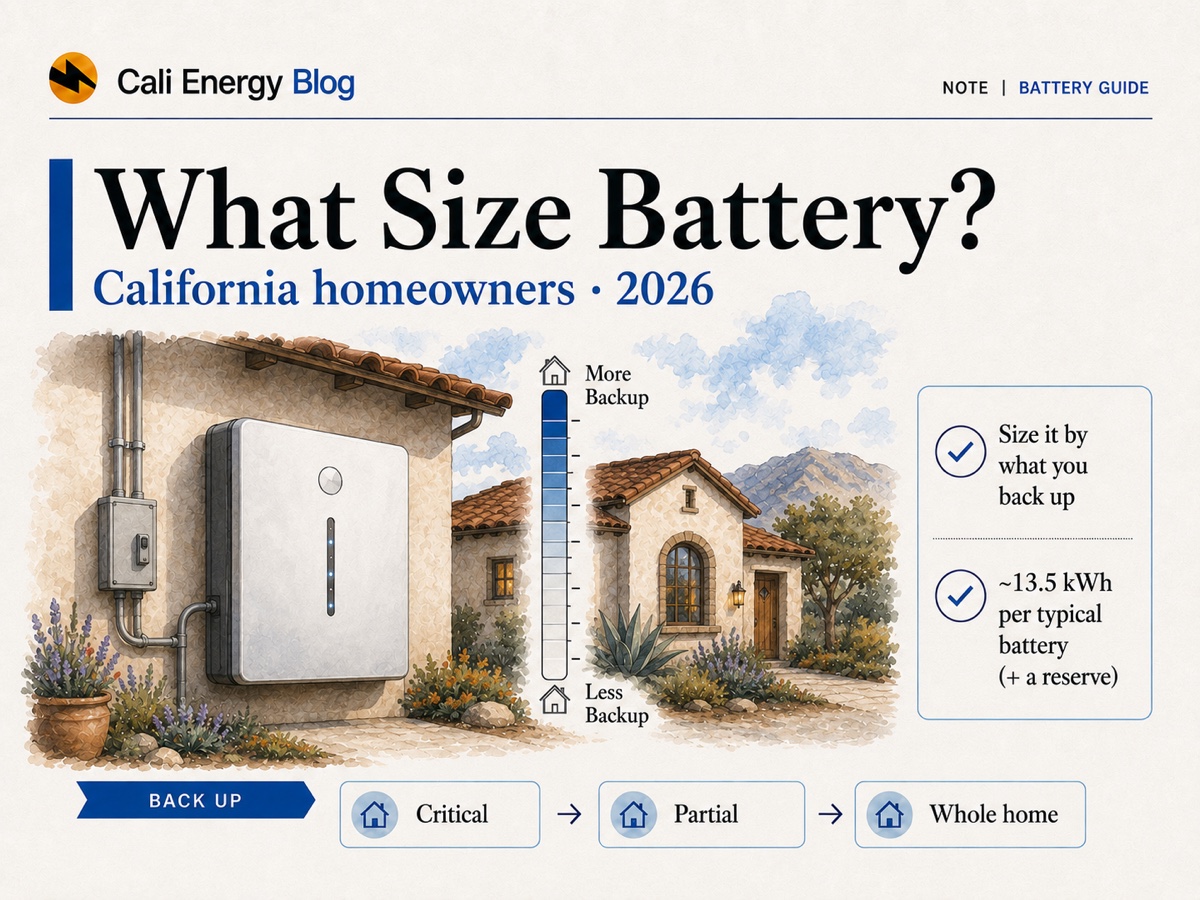
- Battery size is about usable kWh — but read the label, because the makers do not use the same one. Tesla publishes the Powerwall 3 at 13.5 kWh nominal battery energy, measured at 25 °C and 3.3 kW when new; Enphase publishes 5.0 and 10.0 kWh as usable; FranklinWH publishes 15 kWh as usable system energy. Those are three different measurements, not one number in three sizes.
- Backing up critical loads only (fridge, Wi‑Fi, a few lights, medical devices) runs roughly 20–30% of a day’s use on our own installs — a planning heuristic, not a published statistic; whole‑home backup with AC and cooking often needs two or more batteries.
- Solar can recharge the battery during a daytime outage, so one battery often stretches further than the raw math suggests.
- This is a planning estimate, not an engineering load calculation — a site visit sizes the real system.
Quick battery-capacity estimator
Pick what you want to keep running, enter your average daily electricity use, and choose how many days of backup you want. The tool returns the energy to plan for and how many units of a real, currently sold battery that works out to — in whichever of them you pick, with each maker’s own capacity wording shown, because those labels are not equivalent. It’s a ballpark for planning — a rooftop and panel-box visit gives the real number.
Assumptions: the backup shares — critical loads 25%, partial home 55%, whole home 100% of daily use — are planning heuristics from our own installs, not a measured statistic, and they are the weakest input here — in a knowable direction. They scale a roughly fixed load with a variable that has little to do with it: a fridge, a router and a few lights draw much the same 3–5 kWh a day whether the house uses 10 or 60. So below roughly 20 kWh a day the critical-loads share undersizes, and well above it, it oversizes. Enter the usage of the day you expect the outage on, too, not your annual average — PSPS shutoffs land on heat-wave days when the air conditioning runs hardest. For a real design the share should be replaced by the appliances you actually intend to run: our backup load builder does that, and also answers the power question this tool deliberately does not. We then divide by 0.85, so your load fills about 85% of the planned capacity and 15% is left as headroom rather than designing around running the pack flat, and round up to whole units. Capacity labels differ by manufacturer — Tesla publishes 13.5 kWh as nominal battery energy, Enphase and FranklinWH publish usable figures — so unit counts across makes are not strictly like for like. If you have solar it can recharge the battery during a daytime outage, so real runtime is often longer. A planning ballpark, not an engineering load calc or a quote.
Get a battery sized for your homeHow this is different from “do I need a battery for outages?”
If you’re still deciding whether a battery is worth it for PSPS shutoffs and grid outages, start with our companion guide. This page assumes you’ve decided to add storage and just want to know how big.
Our battery, outages & PSPS guide covers the “is it worth it” question — how Public Safety Power Shutoffs work, what a battery does during a blackout, and how it pairs with solar under NEM 3.0. This article is the next step: a straightforward way to translate “I want to keep the fridge and a few lights on” or “I want the whole house to ride through a shutoff” into a number of kilowatt-hours and batteries.
Usable vs. nominal kWh: the number that actually matters
Every battery has two capacity figures. Size around the usable one.
The nominal (or nameplate) figure is the total energy in the cells. The usable figure is what you can actually draw before the system stops to protect the battery. The trap is that manufacturers do not publish the same one, and how much is held back varies — sometimes to nothing. Enphase publishes the IQ Battery 5P at 5.0 kWh total and 5.0 kWh usable, the same number, with its 2% safety limit and a further 3% for overnight electronics taken out inside that figure rather than before it. FranklinWH publishes the aPower 2 at 15 kWh usable system energy. And Tesla publishes the Powerwall 3 at 13.5 kWh as “Nominal Battery Energy”, measured at 25 °C and 3.3 kW at beginning of life — it publishes no usable figure at all, so there is nothing to line up like for like against the other two.
Which means “always compare usable kWh” is advice you cannot actually follow across these brands. What you can do is size in whichever figure the maker prints and read the label printed beside it — which is what the calculator above does, naming the label each number came from. Our comparison of the Powerwall 3, Enphase IQ and FranklinWH aPower 2 goes through the labels, the warranty limits and how far each product scales.
Critical-loads vs. whole-home backup
The single biggest driver of how many batteries you need is how much of the house you want to keep alive.
| Backup goal | What it typically runs | ~Share of daily use | ~kWh of load (1 day) | Plan for, with headroom | Powerwall 3 units |
|---|---|---|---|---|---|
| Critical loads only | Fridge, Wi‑Fi/router, phone & laptop charging, a few LED lights, medical devices | ~20–30% | ~5–7.5 | ~5.9–8.8 | 1 |
| Partial home | The above plus more outlets and one room of AC or a well/sump pump | ~50–60% | ~12.5–15 | ~14.7–17.6 | 2 |
| Whole home | Central AC, electric cooking, EV-adjacent loads — essentially the whole panel | ~100% | ~25+ | ~29.4+ | 3 |
The share column is a planning heuristic from our own Los Angeles installs, not a measured statistic — no federal or state body publishes a “critical load share”. For scale, the federal residential survey put air conditioning at 19% of US home electricity in 2020, space heating at 12% and water heating at 12%, and those three are exactly what a critical-loads design drops. The kWh and unit columns are arithmetic from that share; battery capacities are each manufacturer’s published figure. Critical-load circuits are chosen with your installer and depend on your panel and applicable code.
One battery or two?
For most Southern California homes that just want to ride out a PSPS shutoff or a short outage without losing the fridge and the internet, a single ~13.5 kWh battery is plenty — especially paired with solar, which tops the battery back up each sunny day. Homeowners who want central air conditioning, electric cooking, or an electric water heater to keep running through a multi-hour or overnight outage usually land on two batteries, and larger all-electric homes sometimes three. A useful rule of thumb: air conditioning and electric heat are the loads that push you from one battery to two. If those can be off (or run briefly) during an outage, one battery covers a lot of ground.
A battery plus solar isn’t the same as a battery alone
A standalone battery has to carry the whole outage on its stored charge. With rooftop solar, the panels can recharge the battery during daylight, so a single 13.5 kWh unit may — with a well-designed solar-plus-storage system, enough sunshine, and controlled loads — be recharged by daytime solar and stretch an outage beyond one night, but that is not guaranteed multi-day backup. That’s why we size critical-load backup on about a day’s worth of usable capacity rather than piling on batteries for “days” of storage. Cloudy stretches and heavy AC use shorten it.
What about the cost — and SGIP?
A single home battery typically adds about $10,000–$18,000 installed before incentives, depending on brand and size; a second unit adds less per battery because the install labor and electrical work are largely shared. California’s Self-Generation Incentive Program (SGIP) can offset part of the cost, but it runs as ten budget categories, each with its own status in each utility territory. Checked on 17 September 2026, every general-market residential storage step is closed — small residential storage at $0.15/Wh and Equity Resiliency at $1.00/Wh, across all four investor-owned territories — and the income-qualified Residential Solar and Storage Equity tiers at $1.10/Wh are mostly waitlisted, including the branch LADWP administers, with the AB 209 POU branch in SCE and PG&E territory the one exception showing Open. Statuses move week to week, so read the tracker for your own category and do not bank a rebate in your project economics until eligibility and a reservation are confirmed in writing. See our SGIP battery incentives guide for the live picture and who still qualifies. Numbers here are illustrative planning figures, not a quote.
A quick worked example
Say a Northridge home averages 25 kWh a day. For critical-loads backup we plan on about 25% of that — 6.3 kWh of load, or 7.4 kWh once the headroom is added, which one Powerwall 3 covers with room to spare. Want the whole home including central AC to ride through an overnight outage? That is 25 kWh of load, 29.4 kWh with the headroom — which rounds up to three Powerwall 3 units, or two aPower 2 at 15 kWh usable apiece. Note what just happened: the same house needs three of one battery or two of another, because the units are different sizes and the makers label them differently. Counting boxes is not the same as comparing systems. Add solar and the critical-load setup can span multiple sunny days, because the panels refill the battery each afternoon. Your real usage — especially AC and any EV charging — moves these figures, which is exactly what a site visit nails down.
Get a free battery estimateFrequently asked
What size home battery do I need in California?
It depends on what you want to keep running, and the honest answer is a range. For critical loads only — fridge, Wi‑Fi, lights, a few outlets, medical devices — those loads run roughly 20–30% of a day's electricity on the systems we install, so a 25 kWh/day home plans for about 5.9–8.8 kWh once a 15% reserve is added. One battery of any current size covers that. For whole-home backup including central AC and electric cooking, the same house plans for about 29 kWh, which is three Tesla Powerwall 3 units or two FranklinWH aPower 2. That share is a planning heuristic rather than a measured figure, and for a real design it should be replaced by the appliances you actually intend to run and their run-hours — and separately checked for whether the battery can start them, which is a power question, not an energy one.
What is the difference between usable and nominal battery capacity?
Nominal (nameplate) capacity is the energy in the cells; usable capacity is what you can actually draw before the system stops to protect the battery. The trap is that manufacturers do not publish the same one, so the headline kWh figures are not comparable. Tesla lists the Powerwall 3 at 13.5 kWh AC nominal battery energy, measured at 25 °C and 3.3 kW at beginning of life. FranklinWH lists the aPower 2 at 15 kWh usable system energy, at 77 °F and 3 kW. Enphase lists the IQ Battery 5P at 5.0 kWh usable — and on the same datasheet its total capacity is also 5.0 kWh, with a 2% safety reserve and a further 3% for overnight electronics taken out of that figure rather than before it. Do not assume every maker withholds a similar percentage; read the capacity definition printed beside the number in the current datasheet.
Do I need one battery or two?
For riding out a PSPS shutoff or a short outage without losing the fridge and the internet, one battery is usually enough — especially with solar, which recharges it each sunny day. If you want central AC, electric cooking or an electric water heater running through a long or overnight outage, most homes step up to two or three units depending on which battery, and larger all-electric homes more. Air conditioning and electric heat are the loads that move you up. Worth separating two questions, though: how many units you need for energy is this page; whether the system can start and carry those loads is a power question, and our backup load builder answers it. A battery sized correctly in kWh can still fail to start a compressor.
Does solar change how big a battery I need?
Yes. A standalone battery has to carry the whole outage on stored charge, but with rooftop solar the panels recharge the battery during daylight. With a properly designed solar-plus-storage system, enough sunshine and controlled loads, daytime solar may extend backup beyond one night — but it’s not guaranteed multi-day backup. Actual duration depends on your PV size, weather, season, shading, whether the system can charge in island mode, and the loads running during the outage.
Does SGIP still help pay for a battery in 2026?
Rarely, and only on the income-qualified paths. SGIP runs as ten budget categories, each with its own status per utility territory. Checked on 17 September 2026, every general-market residential storage step is closed — small residential storage at $0.15/Wh and Equity Resiliency at $1.00/Wh, in all four investor-owned territories. The income-qualified Residential Solar and Storage Equity tiers at $1.10/Wh are mostly waitlisted, including the branch LADWP administers; the AB 209 POU branch in SCE and PG&E territory is the one showing Open. Confirm the live status for your own category and administrator before you put a rebate in the budget. See our SGIP guide.
How much does a home battery cost?
A single home battery typically adds about $10,000–$18,000 installed before incentives, depending on brand and size; a second unit usually costs less per battery because the install labour and electrical work are largely shared. Those are our own Southern California planning figures rather than a published benchmark, and they are pre-incentive — note that the 30% federal residential credit is not available for property placed in service after 31 December 2025, so a 2026 battery carries no federal residential credit. A site visit gives a real, itemised price.
Related reading
Sources & methodology
Figures on this page come from the primary sources below and, where noted, from Cali Energy calculations using the stated assumptions. Rates, incentives, and program terms change; each was verified September 17, 2026.
- Tesla — Powerwall 3 datasheet (nominal battery energy 13.5 kWh AC)
- Enphase — IQ Battery 5P datasheet (total and usable capacity, reserve footnote)
- Enphase — IQ Battery 10C datasheet
- FranklinWH — aPower 2 datasheet (usable system energy 15 kWh AC)
- U.S. EIA — electricity use in homes (end-use shares of residential consumption)
- U.S. EIA — California electricity profile
- California SGIP — program metrics and step status
- IRS — Residential Clean Energy Credit
Get a home battery sized right for your house
Tell us what you want to keep running during an outage and we'll size the battery and any panel work - a real, itemized number, no pressure.
Get a free estimatePrepared by Cali Energy, September 17, 2026. This article is for general educational purposes only and is not legal, tax, financial, engineering, or utility advice. Rates, incentives, codes, permit requirements, equipment specifications, prices, and program terms may change; figures and timelines are estimates, not guarantees. Confirm current requirements with the applicable utility, AHJ, program administrator, manufacturer, or a licensed professional. See our Content Disclaimer. Cali Energy · 19201 Parthenia St, Unit E, Northridge, CA 91324 · CSLB #1032379 (B, C-10, C-39)